
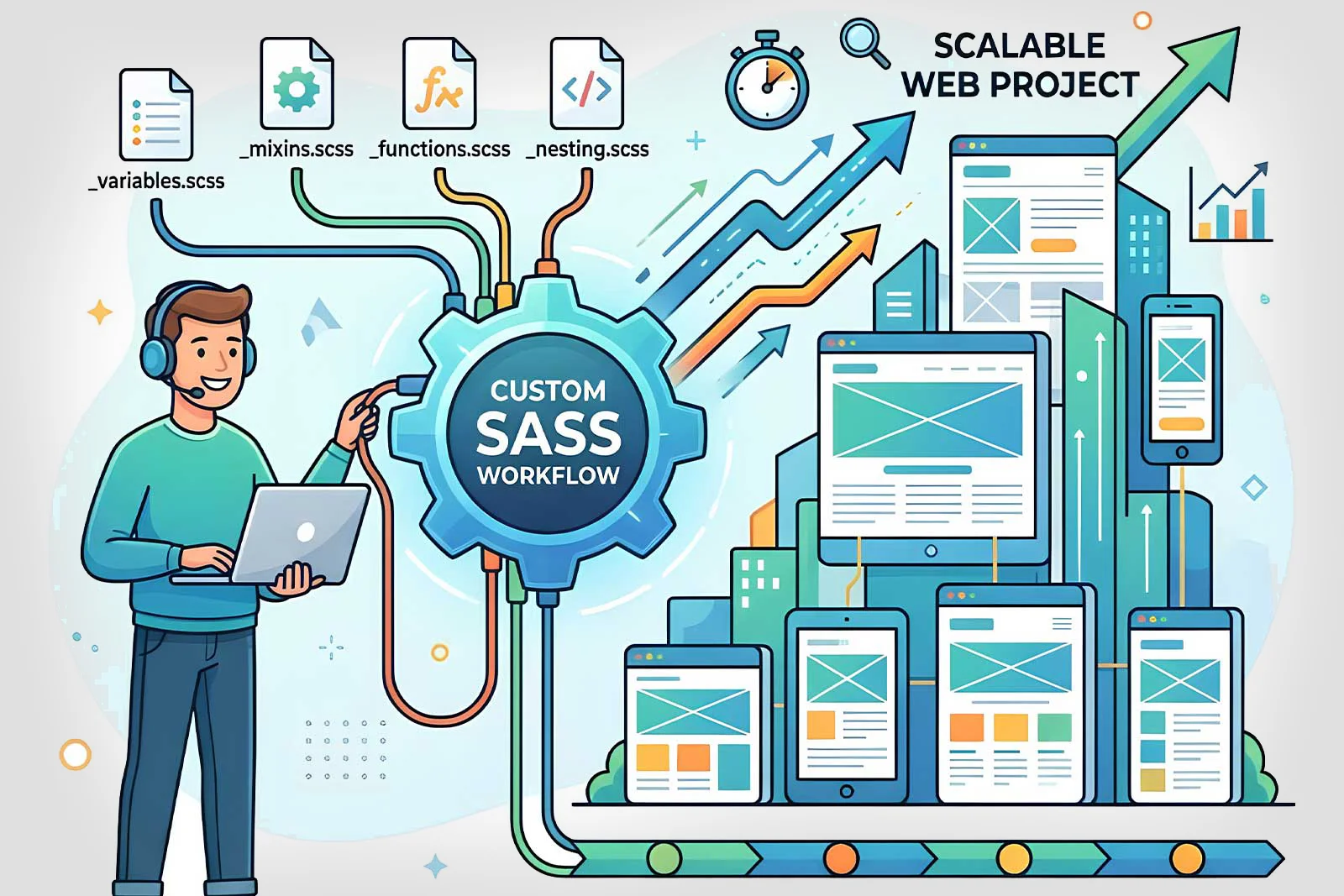
If you've ever tried to scale a web product built on duct-taped processes, disconnected tools, and manual handoffs — you already understand the problem. Features ship slowly, onboarding is painful, data lives in silos, and every new customer feels like a fire drill. The solution isn't just better tools. It's a well-structured, custom SaaS workflow.
In this post, we'll break down why a custom SaaS workflow matters, what it actually looks like in practice, and how it pays dividends as your project grows.
Table of Contents
- What Is a Custom SaaS Workflow?
- The Problem With Generic Workflows at Scale
- Key Benefits of a Custom SaaS Workflow
- Core Building Blocks of a Solid SaaS Architecture
- Custom SaaS Workflow vs. Off-the-Shelf Platforms
- Setting Up Your SaaS Workflow: A Practical Approach
- Common Mistakes to Avoid
- Final Thoughts
What Is a Custom SaaS Workflow?
A custom SaaS workflow is a deliberate, project-specific system for building, deploying, and managing a Software as a Service product. It goes beyond just picking a tech stack — it's about establishing conventions, automation pipelines, multi-tenancy strategies, billing systems, and operational processes that align with your team and product needs.
Think of it as the difference between renting a generic office and designing your own workspace. Both get the job done, but only one is optimized for how your team actually works.
The Problem With Generic Workflows at Scale
Off-the-shelf tools and generic project templates can get you to MVP. But at scale, they start to crack:
- No multi-tenancy by default — isolating customer data becomes an afterthought
- Rigid subscription logic — you can't easily model usage-based pricing, tiered plans, or custom enterprise deals
- Manual deployment processes — every release is a risk instead of a routine
- Disconnected monitoring — you're flying blind when things break in production
- One-size-fits-all onboarding — new customers churn because the experience doesn't fit their use case
When your SaaS product hits 1,000 users across dozens of organizations, these limitations become blockers, not inconveniences.
Key Benefits of a Custom SaaS Workflow
1. Predictable, Automated Deployments
A custom SaaS workflow includes CI/CD pipelines tailored to your product. No more manual deploys or "it works on my machine" moments:
- Automated testing on every pull request
- Staging environments that mirror production
- Blue-green or canary deployments for zero-downtime releases
- Rollback procedures that actually work
Deploy with confidence, multiple times a day if needed.
2. Multi-Tenancy That Scales With Your Business
Whether you choose database-per-tenant, schema-per-tenant, or row-level isolation, a custom workflow lets you design multi-tenancy around your actual requirements:
- Data isolation — meet compliance requirements (SOC 2, GDPR) without workarounds
- Performance isolation — one noisy tenant doesn't take down the platform
- Custom configurations — enterprise clients get white-labeling, custom domains, and dedicated resources
This means every customer gets a reliable experience regardless of how many others are on the platform.
3. Flexible Billing and Subscription Management
Generic billing integrations break the moment your pricing model evolves. A custom workflow lets you build billing logic that fits your business:
- Usage-based pricing with metered APIs
- Tiered plans with feature gating
- Annual contracts with custom invoicing
- Trial periods, discounts, and promotional offers
- Revenue recognition and reporting
Integrate with Stripe, Paddle, or your payment processor of choice — but on your terms.
4. Observability and Incident Response
A solid SaaS workflow includes monitoring and alerting from day one:
- Application performance monitoring (APM)
- Error tracking and log aggregation
- Uptime monitoring and SLA dashboards
- On-call rotations and incident runbooks
When something breaks at 2 AM, you'll know about it before your customers do — and you'll have a playbook to fix it.
5. Streamlined Customer Onboarding
First impressions matter. A custom onboarding workflow reduces time-to-value for new customers:
- Self-serve signup with automated provisioning
- Guided setup wizards tailored to user roles
- API key generation and sandbox environments for developers
- Drip email sequences and in-app tooltips
The faster customers see value, the lower your churn rate.
6. Feature Flagging and Progressive Rollouts
Ship features to specific customer segments before going wide:
- Beta features for early adopters
- A/B testing for UI changes
- Gradual rollouts to catch issues early
- Kill switches for instant rollbacks
This gives you control over the customer experience without risky big-bang releases.
Core Building Blocks of a Solid SaaS Architecture
| Building Block | Purpose |
|---|---|
| Authentication & Authorization | Secure user management with role-based access control (RBAC) |
| Multi-Tenancy Layer | Data isolation, tenant provisioning, and configuration management |
| Billing & Subscription Engine | Payment processing, plan management, and usage tracking |
| CI/CD Pipeline | Automated testing, deployment, and rollback procedures |
| Observability Stack | Logging, monitoring, alerting, and performance tracking |
| Feature Flag System | Controlled rollouts, A/B testing, and kill switches |
Custom SaaS Workflow vs. Off-the-Shelf Platforms
A common question: "Should I build a custom SaaS workflow or just use a no-code/low-code platform?"
The honest answer: it depends on the product, but they serve different purposes.
| Custom SaaS Workflow | Off-the-Shelf Platforms | |
|---|---|---|
| Flexibility | Unlimited — build exactly what you need | Limited by platform capabilities |
| Time to MVP | Longer initial setup | Faster to launch |
| Scalability | Designed for your growth trajectory | May hit platform limits |
| Best for | Products with unique logic, compliance needs, or enterprise clients | Simple CRUD apps, internal tools, MVPs |
| Long-term cost | Lower at scale | Can get expensive with usage-based platform pricing |
Many teams start with off-the-shelf tools to validate the idea, then migrate to a custom workflow once product-market fit is confirmed and scale demands it.
Setting Up Your SaaS Workflow: A Practical Approach
Here's a practical approach to get started:
1. Define Your Tenancy Model
Decide how you'll isolate customer data early. This decision affects your database design, API architecture, and security model. For most startups, row-level tenancy with a shared database is the right starting point.
2. Set Up CI/CD From Day One
Don't wait until you have 50 customers to automate deployments. Start with:
- GitHub Actions or GitLab CI for automated testing
- Docker containers for consistent environments
- Infrastructure as Code (Terraform, Pulumi) for reproducible deployments
3. Integrate Billing Early
Bolt-on billing is painful. Choose your payment processor and integrate it before your first paying customer:
- Stripe for most use cases
- Implement webhook handlers for subscription lifecycle events
- Build an internal admin dashboard for managing accounts
4. Build Observability Into Your Architecture
Don't treat monitoring as an afterthought:
- Structured logging from day one
- Health check endpoints for every service
- Error tracking with tools like Sentry or Datadog
- Uptime monitoring with PagerDuty or Opsgenie
Common Mistakes to Avoid
- Premature optimization of multi-tenancy: Start simple (shared database, row-level isolation) and evolve as needed. Don't build for 10,000 tenants when you have 10.
- Ignoring security early: Authentication, authorization, and data isolation are not features you "add later." Bake them in from the start.
- Building everything custom: Use managed services (auth, email, payments) where they exist. Save your custom engineering for your core product differentiator.
- No staging environment: If you're deploying straight to production, you're gambling with your customers' trust.
- Skipping documentation: Your onboarding flow, API docs, and internal runbooks are as important as the code itself.
Final Thoughts
A custom SaaS workflow isn't about adding complexity — it's about removing the kind of complexity that slows teams down. When your deployment pipeline is predictable, your tenancy model is solid, and your billing just works, you spend less time firefighting and more time building features that matter.
Whether you're a solo founder building your first SaaS product or a team scaling to enterprise clients, the investment in setting up a proper SaaS workflow pays off within weeks.
At Synivo, we build with systems in mind — because maintainable architecture is the foundation of everything that scales.
Have questions about building a custom SaaS workflow for your project? Get in touch with us — we'd love to help.
Tags: SaaS, Software as a Service, Custom Workflow, Web Development, Business Automation, Scalable Architecture, Multi-Tenancy